

Announcing Rspack 2.2
August 26, 2026







We are excited to announce that Rspack 2.2 is now available!
Notable changes include:
- Performance
- New features
- Ecosystem
- Upgrade guide
Performance
Performance improvements
Rspack 2.2 includes more than 30 performance optimizations, including:
- Sped up module concatenation, chunk splitting, source map generation, and other core processes. In our benchmark, these changes cut production build time by around 5%, from 1822 ms to 1725 ms.
- Made CopyRspackPlugin around 3-4x faster when copying a large number of files.
- Reduced the Wasm build size from 29.5 MB to 28.4 MB, saving around 1.1 MB.
- Parallelized SWC Wasm plugin compilation to reduce plugin load times. For example, this cut load time for the coverage-instrument plugin by around 80%.
- Made built-in CSS parsing around 3x faster:
Better HMR
Rspack 2.2 avoids unnecessary CSS requests during HMR. Previously, even a JavaScript-only change made the browser request and compare related CSS files to check for style updates. This overhead grew with the size of the stylesheet.
With #14682, Rspack now checks for CSS changes during the build. The browser requests CSS assets only when needed, avoiding unnecessary HTTP requests. As a result, JavaScript hot update times no longer grow significantly with stylesheet size:
In addition, #14580 prevents page flicker caused by styles briefly disappearing during hot updates with mini-css-extract-plugin.
Shorter module IDs
Rspack can now generate shorter module and chunk IDs. The new compact-hashed strategy selects the shortest available prefix from a stable hash. Compared with deterministic, it reduces output size while preserving stable IDs and efficient runtime indexing.
In a real-world project, the output size changed as follows:
Enable this strategy with optimization.chunkIds and optimization.moduleIds:
New features
import.meta improvements
Rspack now exposes Rspack-specific module variables through import.meta. This aligns more closely with ESM conventions than CommonJS-style variables, so we recommend it for ESM modules:
import.meta.glob now supports a caseSensitive option. Set it to false to match file paths case-insensitively:
Browserslist Baseline support
Rspack now supports Baseline queries in Browserslist. These queries let you target browser versions by Baseline feature set. For example, to target Baseline Widely available features, use:
You can also target features that were widely available on a specific date with baseline widely available on 2025-05-01. See the target configuration documentation for details.
Support for more platforms
Rspack now provides precompiled native bindings for more Linux platforms:
- RISC-V 64-bit:
linux-riscv64-gnuandlinux-riscv64-musl - ppc64le and s390x architectures:
linux-ppc64-gnuandlinux-s390x-gnu
On these platforms, Rspack can use the corresponding native binding instead of falling back to Wasm. See Environment preparation for the complete list of supported platforms.
Ecosystem
Rsbuild
Rsbuild 2.2 has been released alongside Rspack 2.2.
Importing source text
Rsbuild now supports import attributes for importing a file's raw contents as a string:
This aligns with the TC39 Import Text proposal.
Node.js split chunks
For Node.js builds, chunk splitting is now enabled by default. It extracts shared modules into separate chunks, reducing duplicate code and SSR memory usage.
The following real-world results were provided by a TanStack Start user:
The test application contains 300 routes and 400 shared components. Actual improvements depend on your project's size and module structure.
Solid v2 support
Rsbuild now supports Solid v2 RC and uses Solid's new Rust compiler by default. In Solid's official benchmark, the Rust compiler is more than 20x faster than the previous Babel implementation.
To try it, upgrade @rsbuild/plugin-solid to the v2 beta and remove the Babel plugin:
Octane template
create-rsbuild now supports creating Octane projects. Octane is a high-performance JavaScript UI framework. You write components with React APIs, and Octane compiles them into code that updates the DOM directly.
Run this command to create an Octane project:
Dynamic ports
Rsbuild now lets you set server.port to 0, so the operating system assigns an available port automatically:
This is useful in tests because it prevents port conflicts when multiple Rsbuild servers start at once.
Custom minifier configurations
Rsbuild now supports multiple minification configurations. Pass an array to minify.jsOptions to apply different strategies to different outputs. This example removes console calls only from the main bundle:
Custom restart handling
Frameworks and tools built on Rsbuild can now manage restarts themselves.
The Rsbuild JavaScript API now provides a restart option. Use it to handle restart requests from the development server (rsbuild dev) or watch builds (rsbuild build --watch):
Rsbuild plugins can also run custom logic by listening to the onRestart hook.
Rstest
Module Federation testing
Rstest now supports testing real remote modules exposed through Module Federation in Node.js, JSDOM, and Browser Mode.
Add @module-federation/rstest to your Rstest configuration:
See the Module Federation × Rstest integration documentation for details.
Playwright E2E testing
Rstest now provides @rstest/playwright, bringing its test runner, configuration, and reporting to E2E testing.
It provides Playwright-style assertions for local development servers, preview servers, and deployed applications. This lets E2E tests use the same workflow as unit tests:
Prebundled test environments
Rstest now supports prebundling DOM test environments. When enabled, it prebundles jsdom or happy-dom and reuses the output across workers. This avoids repeated parsing and initialization for each test file. It can significantly reduce test time in projects with many DOM tests.
In a benchmark, a project with 1,000 test cases saw the following improvements:
This feature is disabled by default. Enable it with testEnvironment.prebundle:
With 'auto', Rstest prebundles only versions of jsdom and happy-dom verified as compatible. If it cannot build, load, or verify the output, it falls back to native loading. Actual improvements depend on project size and runtime environment.
Rslint
More lint rules
Rslint now includes more than 500 built-in lint rules and implements all rules and presets from @typescript-eslint.
For example, you can enable all recommended type-aware rules through the recommendedTypeChecked preset:
Configuration type hints
defineConfig now provides complete type hints for ESLint core rules and @typescript-eslint rules, including rule names and option types.
Built-in common globals
@rslint/core now provides a built-in globals object containing global variable definitions for common environments such as browsers, Node.js, and Rstest:
JavaScript API
@rslint/core now provides a JavaScript API aligned with ESLint v10:
The JavaScript API also lets you lint source code in memory with lintText. You can provide configuration, tsconfig.json, and project files through virtualFiles. This is useful for editor and playground integrations that work without direct file system access.
Rslib
TypeScript 7 support
Rslib 0.23.2 can generate declaration files with TypeScript 7. After installing TypeScript 7, Rslib enables native TypeScript automatically. This makes declaration file generation around 5-10x faster.
Rslib 1.0 is coming soon
Rslib 1.0 RC is now available, with the stable release coming soon. If you use Rslib 0.x, see the Upgrade from 0.x to v1 guide for details about the breaking changes.
Rspress
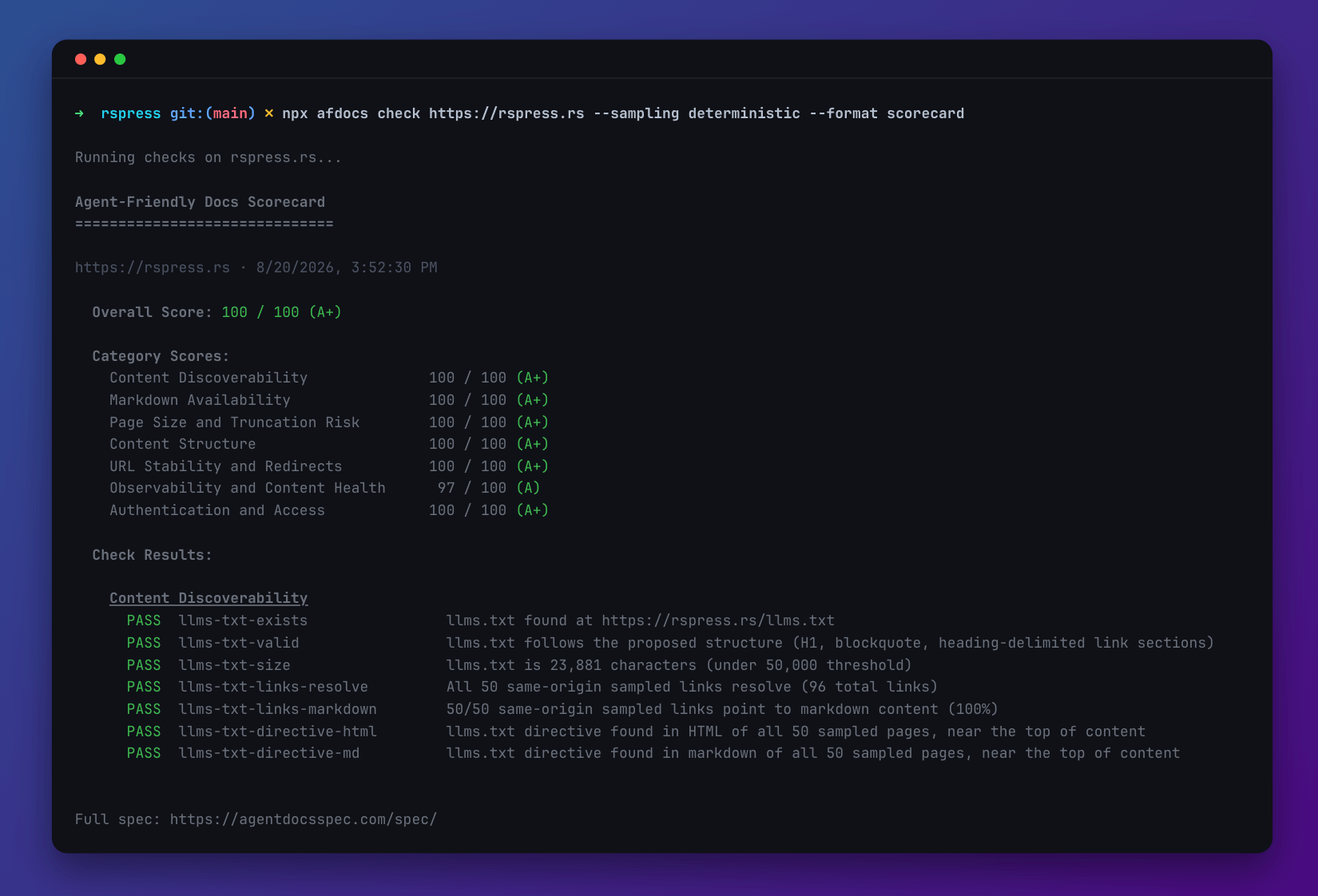
Rspress earned an Agent-friendly score of 100/100 from AFDocs.
Rspress features such as llms.txt, SSG-MD, Accept: text/markdown, and injectLlmsHint help Agents discover, read, and understand its documentation. See How to build an Agent-friendly website for the design and practices behind these features.
Agent plugin
Rstack has released the Rstack Agent Plugin, built on Agent Plugins 1.0. It works with any Agent client that supports the specification, including GitHub Copilot, Codex, and Cursor.
The plugin provides the complete collection of Rstack Skills, helping Agents develop and maintain Rstack projects more effectively.
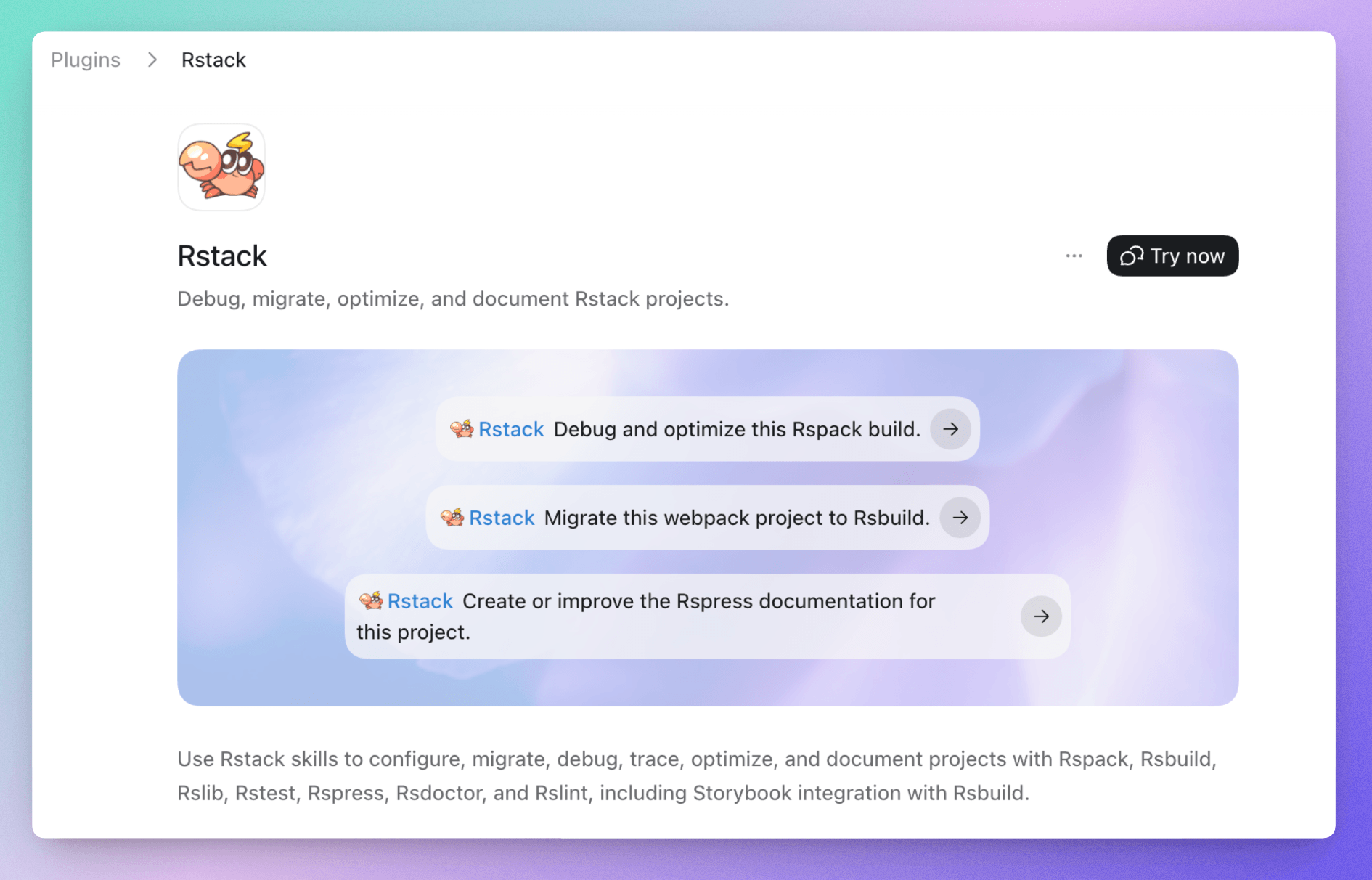
To install the plugin:
Copy this prompt and send it to your Agent to install the plugin.
See Rstack Agent Skills to learn more.
Upgrade guide
Wasm plugins
Rspack 2.2 upgrades swc_core from 76 to 77. This changes the AST serialization format at the SWC Wasm plugin boundary. Wasm plugins built with an older version of SWC will no longer load, causing builds to fail with this error:
If you use an SWC Wasm plugin, rebuild it with SWC 77 or upgrade to a compatible version. Find plugin versions that match your current Rspack version at plugins.swc.rs.
See FAQ - SWC plugin version mismatch for details.
RSC plugin
Previously, the RSC plugin wrapped Client References to insert CSS <link> tags during rendering. The wrapped exports were no longer the original Client References, so some export forms could lose the Client Reference marker.
Rspack 2.2 no longer wraps Client References. Instead, it uses React's preinit to load CSS for client components.
This is a breaking change for RSC framework integrations because it changes how client component CSS is loaded. If you maintain an integration with the Rspack RSC plugin, also upgrade react-server-dom-rspack to 0.1.0.